 SlashFlow
Small habits.
Less busywork.
Practical guides for the replies, details and browser tasks you repeat. Start with something you can use today.
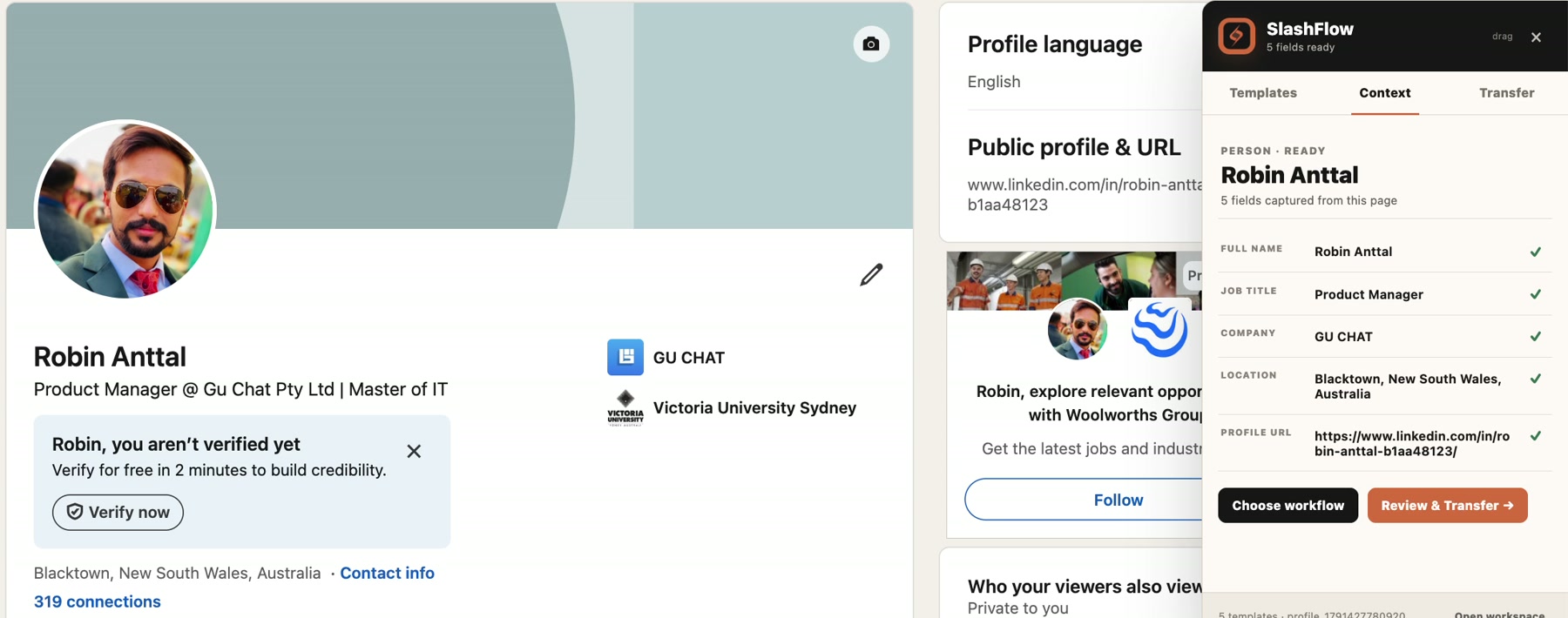
Check LinkedIn profile details before you reuse them
A five-field checklist, an approved real example and a review workflow for names, roles, companies and locations.
Read the guide →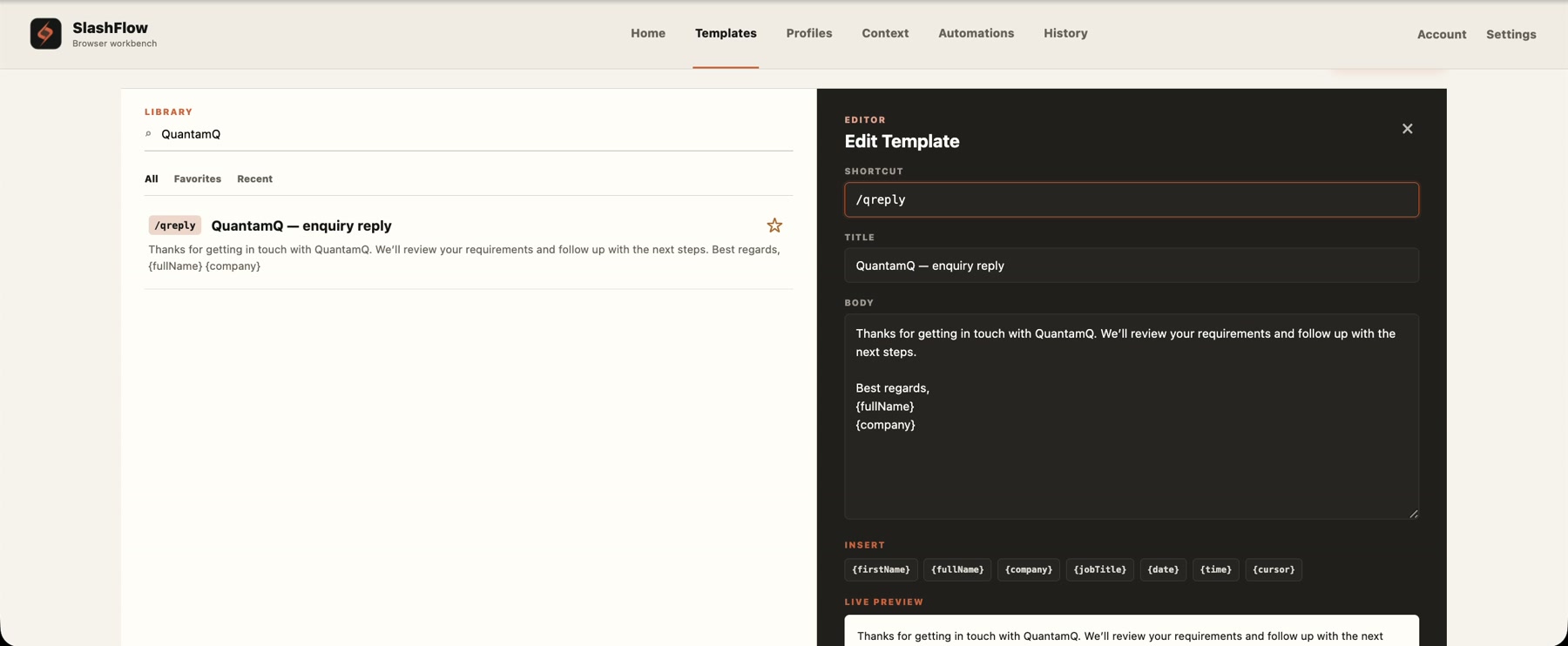
3 recruiter follow-up email templates for candidate updates
Three original replies for screening follow-ups, pending interview feedback and checking continued interest. Personalize the details, then save a useful reply as a Chrome shortcut.
Read the guide →6 customer support email templates you can personalize
Six original replies for missing details, progress updates and handoffs. Learn what to personalize, what to verify and how to reuse a reply in Gmail.
Read the guide →How to create text shortcuts in Chrome
Turn one repeated reply into a short slash command. Follow the setup, borrow three useful templates and learn what to check before sending.
Read the guide →Prefer to see it?
Watch the real template workflow, then explore the rest of SlashFlow at your own pace.
Watch the template demo →