3 recruiter follow-up email templates for candidate updates
A useful recruiter follow-up tells the candidate where things stand, what happens next and whether you need anything from them. Start with the appropriate example below, replace every bracketed note, and check that each statement matches the actual hiring process.
By QuantamQ Solutions Pty Limited ·
These are original templates from the team behind SlashFlow. You can copy them into an email draft without using our extension. Square brackets are reminders to edit manually, not automatic template variables.
1. Follow up after a screening conversation
Use this after speaking with the candidate, when you can accurately summarize the conversation and explain the next step.
Subject: Next steps for [role title]
Hi [candidate name],

Thanks for speaking with me about [role title]. We discussed [one relevant point from the conversation].

The next step is [confirmed action and who owns it]. I’ll update you by [date and time zone], even if the process is still underway.

If anything has changed about your interest or availability, please let me know.

[Your name]
Check the action and update date before sending. If the next stage is not confirmed, say you are checking it rather than promising an interview. Keep sensitive conversation details out of a template you will reuse.
2. Update a candidate while interview feedback is pending
Use this when there is no confirmed decision to share. A clear status update is more useful than an unsupported promise that feedback is coming soon.
Subject: Update on your [role title] interview
Hi [candidate name],

I’m following up after your interview for [role title] on [date]. I’m still waiting for [the specific feedback or decision], so I don’t have a confirmed outcome to share yet.

I’ll check again with [the relevant person or team] and update you by [date and time zone]. If your timeline has changed, please let me know so I can take that into account.

[Your name]
Verify that feedback is genuinely pending and that you can meet the update commitment. Do not turn silence into a rejection or imply that a decision has been made.
3. Check whether the candidate is still interested
Use this for an existing conversation when you need an answer to a specific question. Check for a reply in another channel before following up.
Subject: Checking in about [role title]
Hi [candidate name],

I’m checking whether you would still like to continue the conversation about [role title]. The next thing we need is [specific information or confirmation] so we can [next action].

If your plans have changed or the role is no longer a fit, that’s fine—please let me know and I’ll update my notes.

[Your name]
Ask only for information needed at this stage. Avoid repeating the same message across channels or inventing urgency to get a response.
Save one useful reply as a Chrome shortcut
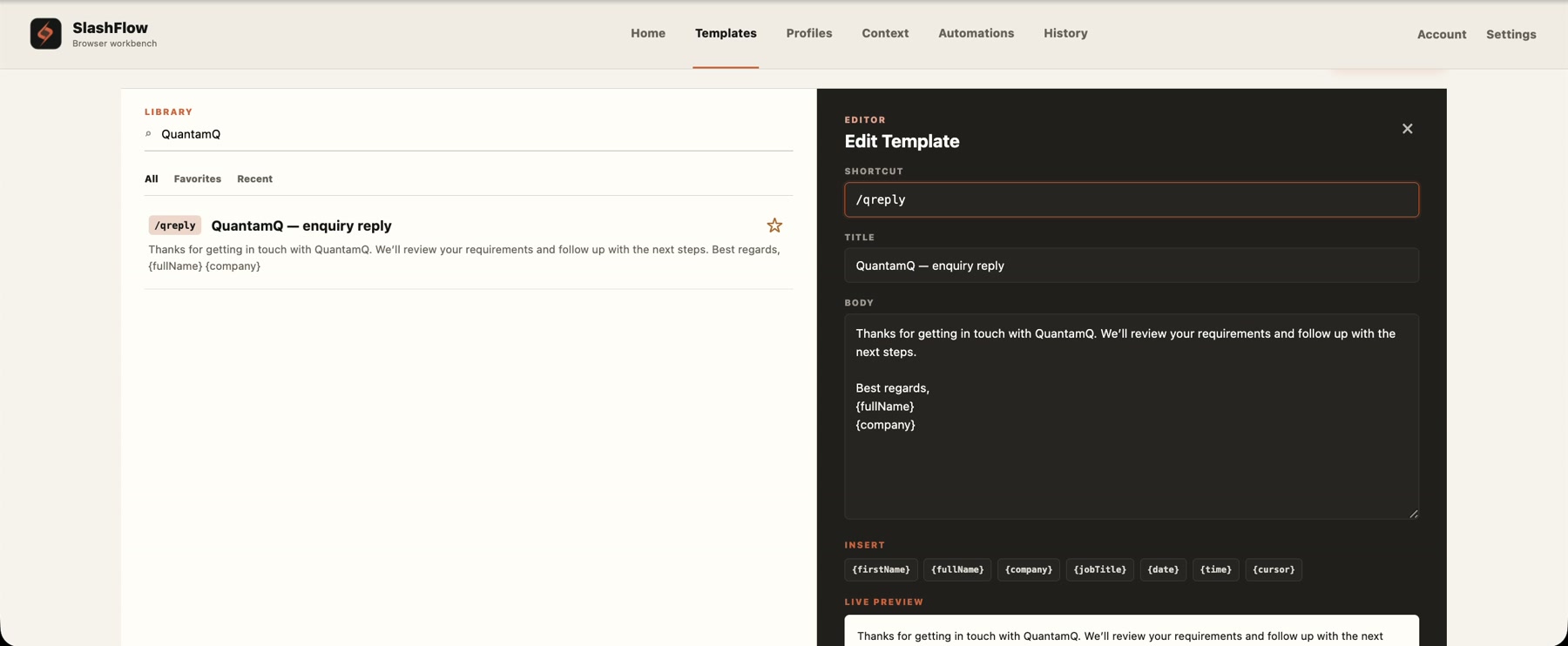
If you regularly use one of these structures, save its body as a SlashFlow template. In the workspace, open Templates → + New template, choose a descriptive title, and give it a distinct shortcut such as /sfscreen, /sfinterview or /sfinterest. Save the template, then try the exact shortcut in a supported editable message field in desktop Chrome.
Replace the bracketed notes and read the full draft before sending. Keep the subject separate from the saved body unless you deliberately want it inserted there. SlashFlow inserts the saved text; it does not send messages, confirm an interview or change a candidate’s status. Some custom editors are unsupported. The text-shortcut guide covers setup and troubleshooting.
Save the reusable wording as a template, then personalize the draft before sending.
SlashFlow text expansion requires an active trial or subscription. First-time eligible accounts can start a 14-day trial with a card, then pay US$3.49/month, including applicable tax. It renews automatically unless canceled before the trial ends; cancel through Account to avoid a charge. Existing subscribers keep their current plans. Check the current pricing and trial terms before starting.
 SlashFlow