 SlashFlow
A meeting recap email should tell recipients what was decided, who accepted each next action, and what still needs an answer. Include a due date only when it was agreed, or label it as a proposal. Finish with a clear way to correct the record. A polished sentence must not turn a suggestion into a commitment.
This guide is for everyday working meetings. If your organisation requires formal minutes or an approval process, follow that process as well. The three templates and the workshop example below are original instructional examples, not customer messages or meeting transcripts.
Sort your notes before writing the email
Read each note and decide which of these three headings it belongs under. Keep background detail only when someone needs it to understand an outcome or act on a task.
- Decisions: what the participants actually agreed, including conditions. “We chose the morning session, subject to room availability” preserves a limit that “Morning session confirmed” would lose.
- Actions: the specific result someone agreed to produce. Include that person's name and the agreed due date. “Send the revised agenda to the speakers” is clearer than “Follow up on agenda.”
- Open questions: anything unresolved, including an owner or date that nobody accepted. Ask for confirmation instead of filling the gap yourself.
The Australian Government Style Manual recommends familiar words and active voice to make responsibility clear. In a recap, write “Sam will check room access” rather than “Room access will be checked” when Sam actually accepted that task.
Use a subject that identifies the meeting and date, such as “Workshop planning — recap of 9 November”. The email date and the meeting date may differ. If you mention a deadline with a time, include the agreed time zone; avoid leaving “tomorrow” in a message that may be forwarded later.
A worked example: keep the uncertainty visible
Imagine these rough notes from a fictional workshop-planning meeting:
Use the smaller room if capacity works.
Sam: I will check the room limit by 10 November.
Priya suggested sending invitations on 12 November.
No one confirmed who will send them.
Check room availability before booking speakers.
A reliable recap would say:
Decision: Use the smaller room only if the capacity check passes.
Action: Sam will confirm the room limit by 10 November.
Open: 12 November was suggested for invitations; owner and date are not agreed.
Dependency: Confirm room availability before booking speakers.
“Invitations go out on 12 November” would invent agreement. “Priya owns invitations” would turn the person who suggested an idea into the person responsible for doing it. Ask who can confirm the invitation plan, and keep it open until they do.
1. Send a recap when the decisions are confirmed
Use this when your notes support both the decisions and the commitments. Remove unused lines. Replace every bracketed prompt before sending; brackets are manual editing prompts, not automatically filled SlashFlow fields.
Subject: [Meeting name] — decisions and actions from [meeting date]

Hi [names],

Here is my recap of [meeting purpose] on [date].

Decided:
- [Confirmed decision, including any condition or limit].

Actions agreed:
- [Owner] will [specific deliverable] by [agreed date/time zone].
- [Owner] will [specific deliverable] after [confirmed dependency].

Still open:
- [Unresolved question, or remove this section if none remains].

Reference: [Relevant notes or document link and version].
Next checkpoint: [Agreed checkpoint, or a clearly labelled proposal].

Please reply if I have misstated a decision, owner or date so I can correct the record.

Thanks,
[Your name]
Use only the owners and dates you can support. If a task was agreed but the deadline was not, write “date to confirm” and ask the owner for it. Check that recipients can access the reference link and that it contains only information appropriate for them.
2. Follow up when the meeting left a decision open
A meeting can end with useful information and no final decision. Separate confirmed preparation work from the question that still needs an answer.
Subject: [Meeting name] — [decision] still to confirm

Hi [names],

Following our discussion on [date], [specific decision] remains open.

Confirmed: [What was actually agreed].
Not yet agreed: [The decision, owner or date still missing].
Needed to decide: [The information or response required].

[Person who agreed to provide information] will [agreed action] by [agreed date, or “date to confirm”].

Could [appropriate decision-maker] confirm [specific question]?
[If useful: I suggest we review the answer on [proposed date]; please confirm whether that works.]

I will keep [dependent step] pending until [required confirmation].

Thanks,
[Your name]
If nobody accepted the information-gathering task, replace that line with a request for an owner. Do not assign a colleague by default because a template needs a name. Likewise, a suggested checkpoint is not a calendar booking or an agreed deadline.
3. Correct an inaccurate recap
Reply in the original thread when that reaches the relevant recipients. Identify exactly what changed so people do not have to compare two full messages. If work has already started from the earlier note, contact the affected person through your agreed working channel too.
Subject: Correction to [meeting name] recap — [specific item]

Hi [names],

Please replace this line in my [meeting date] recap:
[The earlier statement].

With:
[The verified correction, including any uncertainty that remains].

This changes [affected action or dependency].
[Current confirmation status, including what remains unresolved].

[If true: I have updated the shared notes at [link/version].]
The other items remain [confirmed status; omit if not checked].

Thanks for flagging the correction,
[Your name]
Do not say a shared document is updated unless you changed it and checked the result. If you only have a proposed correction, label it as a question for confirmation rather than another settled version.
Review the recap against the source
Compare names, decisions, dates and conditions with your notes or the agreed record. If you used an AI-generated summary, review those details separately; Microsoft's meeting-notes guidance also calls for checking generated results. A fluent summary is not evidence that someone accepted a task.
- Read every commitment aloud. Can you point to the agreement behind it? If not, move it to open questions.
- Check dependencies. An action due after approval should retain that condition.
- Check the audience and references. Remove unrelated private notes and use the intended document version.
- Search for leftover prompts. Replace bracketed text, old meeting names and relative dates.
- Check the requested response. Ask for a specific correction or answer. A lack of replies does not establish agreement.
Reuse the message structure in SlashFlow
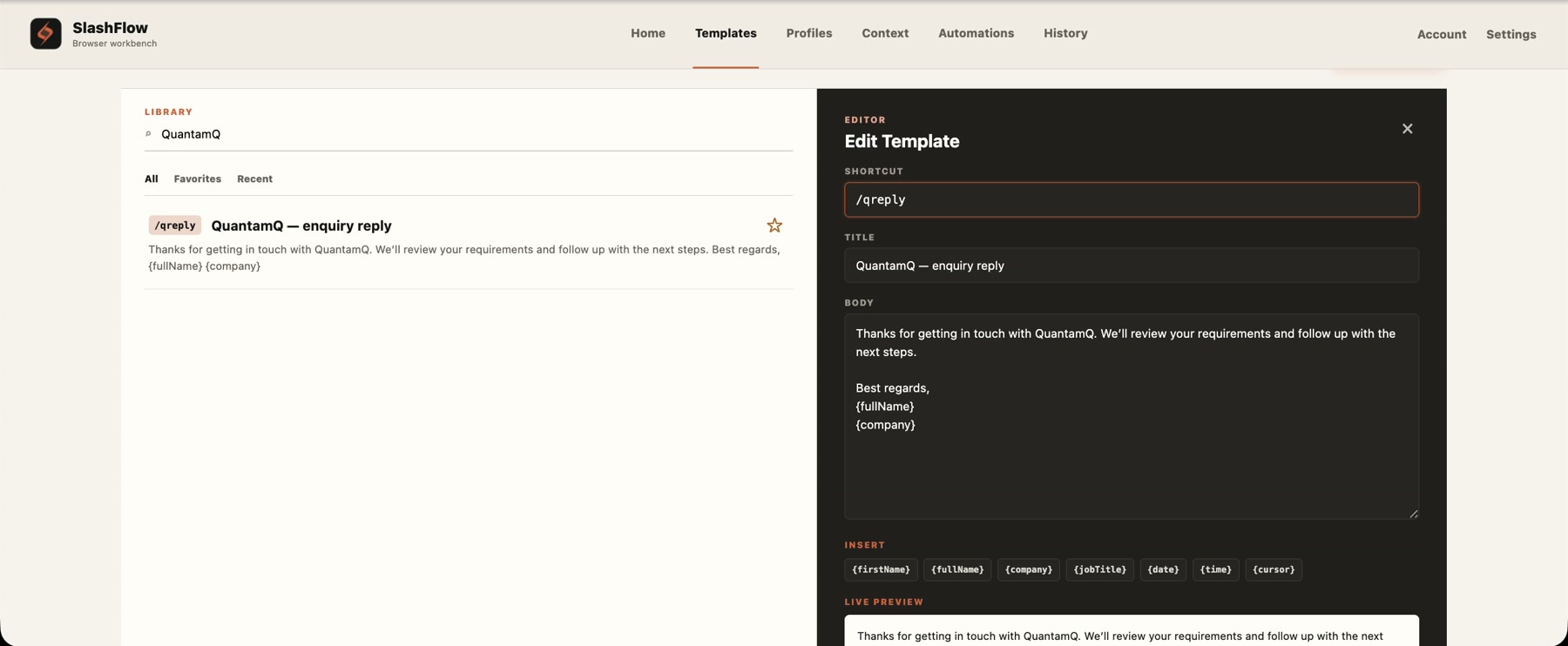
If you regularly send this kind of recap, save the message body as a template with an unused shortcut you recognise. Keep the subject line separate. Follow the text-shortcut setup guide, test insertion in a supported Chrome editor, then replace the meeting details in your draft and review it before sending.
Template insertion requires active access. SlashFlow reuses saved text; you supply and verify the meeting record, commitments and dates. This workflow does not record a meeting, infer its decisions, create tasks, update a calendar or send the message for you.
For a recurring progress report, use the client project update templates. For a commercial next step after a demo, see the sales follow-up guide.
Questions people ask
When should I send a meeting recap? Send it while the details are fresh and after checking the facts. Follow any agreed review process. If you are waiting for one confirmation, clearly identify that open point rather than delaying every confirmed action or presenting it as settled.
What if no one agreed to a task or date? Say what is missing and ask for a named owner or proposed date to be confirmed. Keep the item out of the list of agreed commitments until that happens.
Should I include the entire transcript? Include the information recipients need to understand decisions and act. Link to a permitted fuller record when useful; do not add unrelated discussion or private notes just because they were captured.
References and authorship
Prepared by QuantamQ Solutions Pty Limited, the team behind SlashFlow. Templates and the fictional workshop scenario are original instructional examples, not testimonials or customer outcomes. Product availability and public claims checked on 5 November 2026. The image is an approved recorded example, not a new compatibility test.