 SlashFlow
A buyer who forwards your revised proposal should be able to tell a colleague which version to open, what changed and what decision you need. Put those details in the email itself. “Updated proposal attached” makes everyone reopen two documents to work out the difference.
A revised proposal email you can copy
Subject line
[Project] proposal [new version] for review — [specific change]
Hi [name],

Please use [new version and date, with the current link or attachment] for the review. It replaces [previous version and date].

You asked for [request]. In [section or page], we changed [previous wording, quantity or amount] to [new wording, quantity or amount]. This affects [scope, price or timing]. [One important item the buyer might assume changed] stays the same.

Could you [specific decision or question]? [Add a date only if there is an agreed deadline or a real reason to ask for one.]

Thanks,
[Name]
Delete any line that adds no information. If the change was a correction on your side, say what you corrected. Opening with “as requested” would give the buyer the wrong account of the change.
Worked example: an extra training session
Imagine a buyer asked you to price a second onboarding workshop. Version 1 included one workshop for 600 USD. Version 2 adds a second at the same rate. The rest of the work costs 3,000 USD in both versions. The buyer has asked for the option to go to finance and has yet to approve either the spend or the dates.
Subject line
Onboarding proposal v2 for finance review — second workshop
Hi Mina,

Please use the attached Onboarding proposal v2, 12 November for the finance review. It replaces v1 from 9 November.

Section 3 now includes two workshops for 1,200 USD in total. The setup fee stays at 3,000 USD, so the proposal total moves from 3,600 to 4,200 USD. Both workshop dates are still open.

Does finance want both workshops in the proposal, or should I send a one-workshop version for approval?

Thanks,
Alex
The difference is 600 USD. A finance reviewer can see that in the email, locate it in section 3, and distinguish the decision about the second workshop from the later decision about dates.
If the earlier version already went to procurement
Give your contact a line they can forward with the current file. For the example above, that could be:
Please review the attached onboarding proposal v2 dated 12 November. It replaces the 9 November copy. The second workshop adds 600 USD and brings the total to 4,200 USD. Dates are still open.
If procurement has already started approval against v1, ask which reference they need on the revision. A replacement email alone tells you nothing about the status of their approval.
Check the version from the buyer’s side
Open the file or link in your outgoing draft. Compare the version, date, currency, section and total with the email. If you attach a PDF, remove the superseded attachment from the outgoing message. If you use a shared document, check that the intended reviewer has the access they need. In Google Drive, a restricted link is available only to people who have been given access. Google Drive sharing permissions
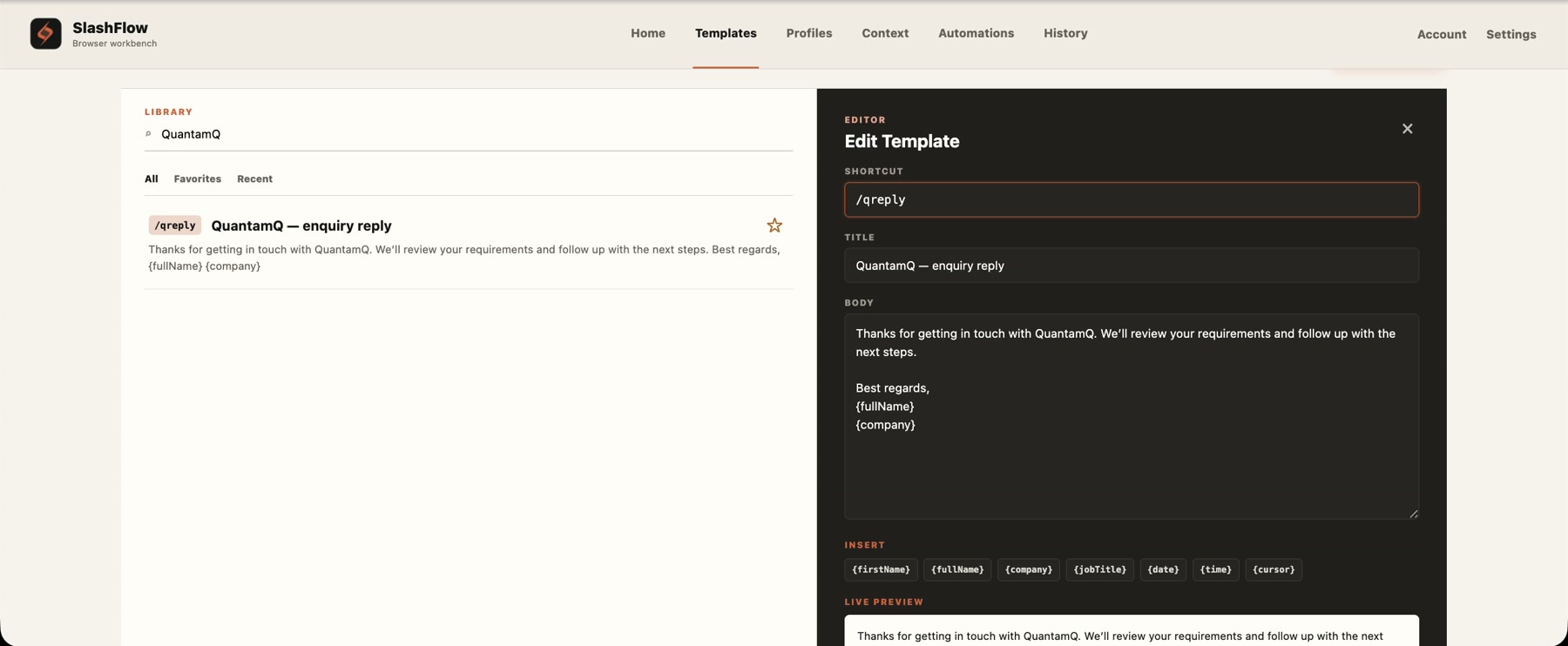
To reuse the email with SlashFlow, save the blank wording as a template. Insert it into a supported field in desktop Chrome, enter this buyer’s details, attach or link the current file yourself, and review the finished email before you send it. Keep customer names, live links and amounts out of the reusable version. See the Templates demo
References and authorship
QuantamQ Solutions Pty Limited, the team behind SlashFlow, wrote this original editorial guide, reusable email and fictional worked example. The Google Drive sharing guidance is linked above. See the current SlashFlow features for supported browser workflows.