 SlashFlow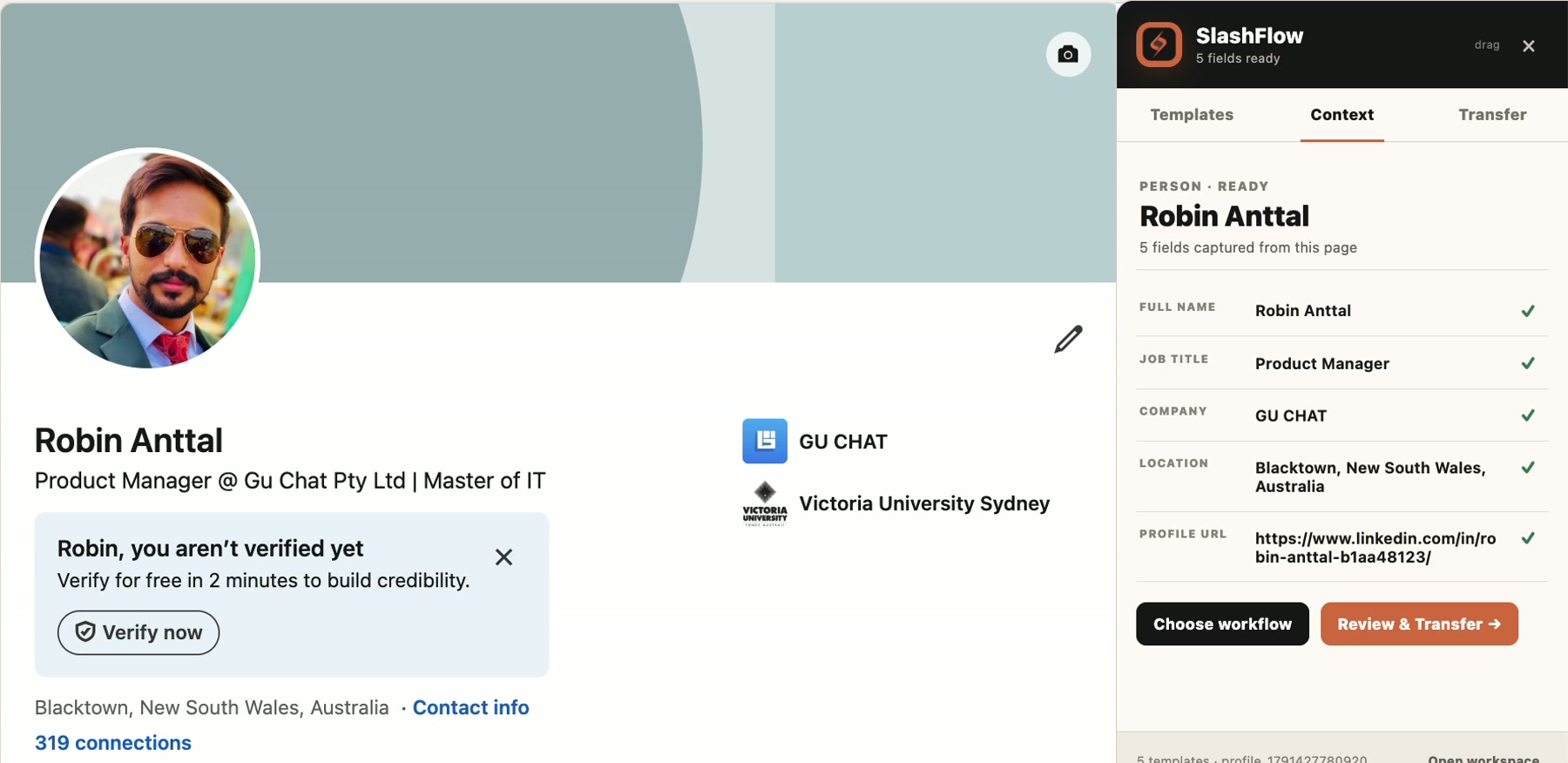
01 / CONTEXT CAPTURE
Keep the details. Skip the retyping.
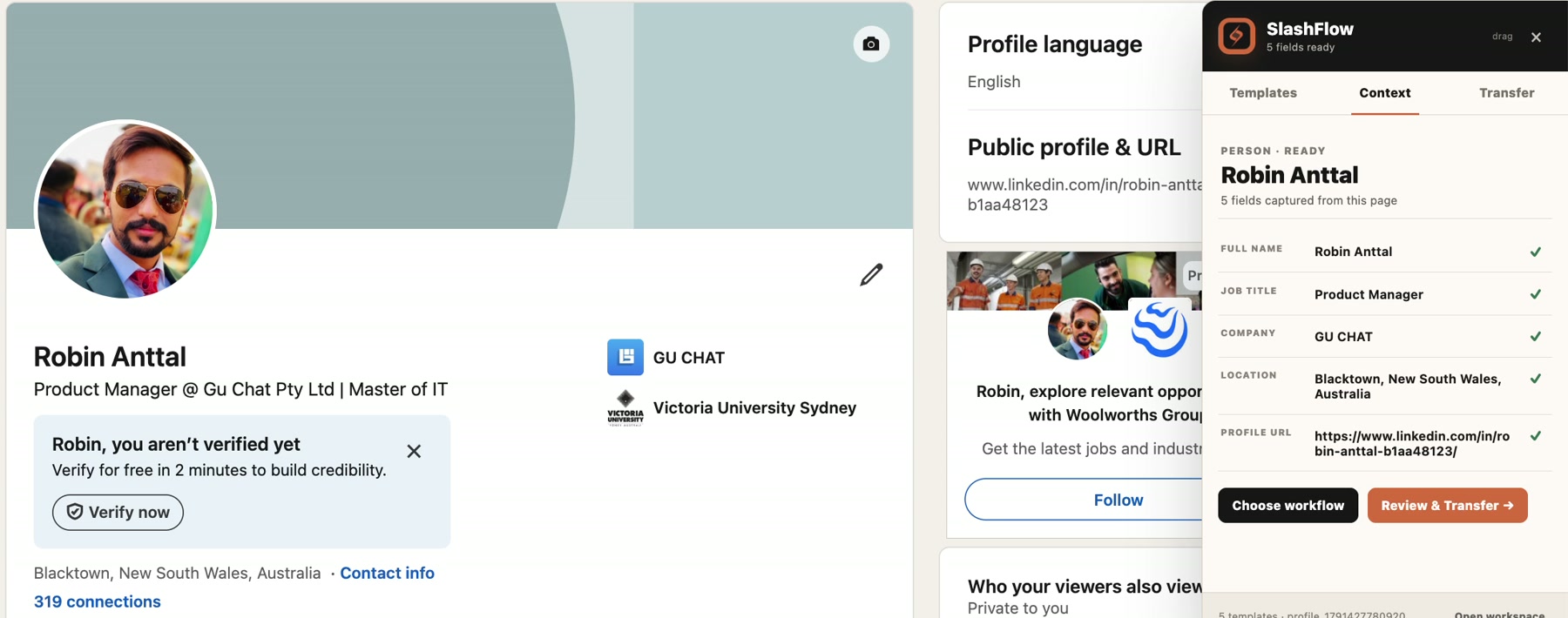
Turn information on the page into useful fields. Review names, companies, roles and locations before choosing what to do next.
Watch the demo ↗The little things you repeat all day, handled in one Chrome workspace. Keep useful context, reuse your words, and move details where they belong.
Try SlashFlow free for 14 days. Then $3.49 USD/month for first-time eligible accounts. Card required. Renews automatically unless you cancel before your trial ends.
For Google Chrome on desktop.
From a two-line reply to a repeatable handoff. See each part of SlashFlow in action.
Turn information on the page into useful fields. Review names, companies, roles and locations before choosing what to do next.
Watch the demo ↗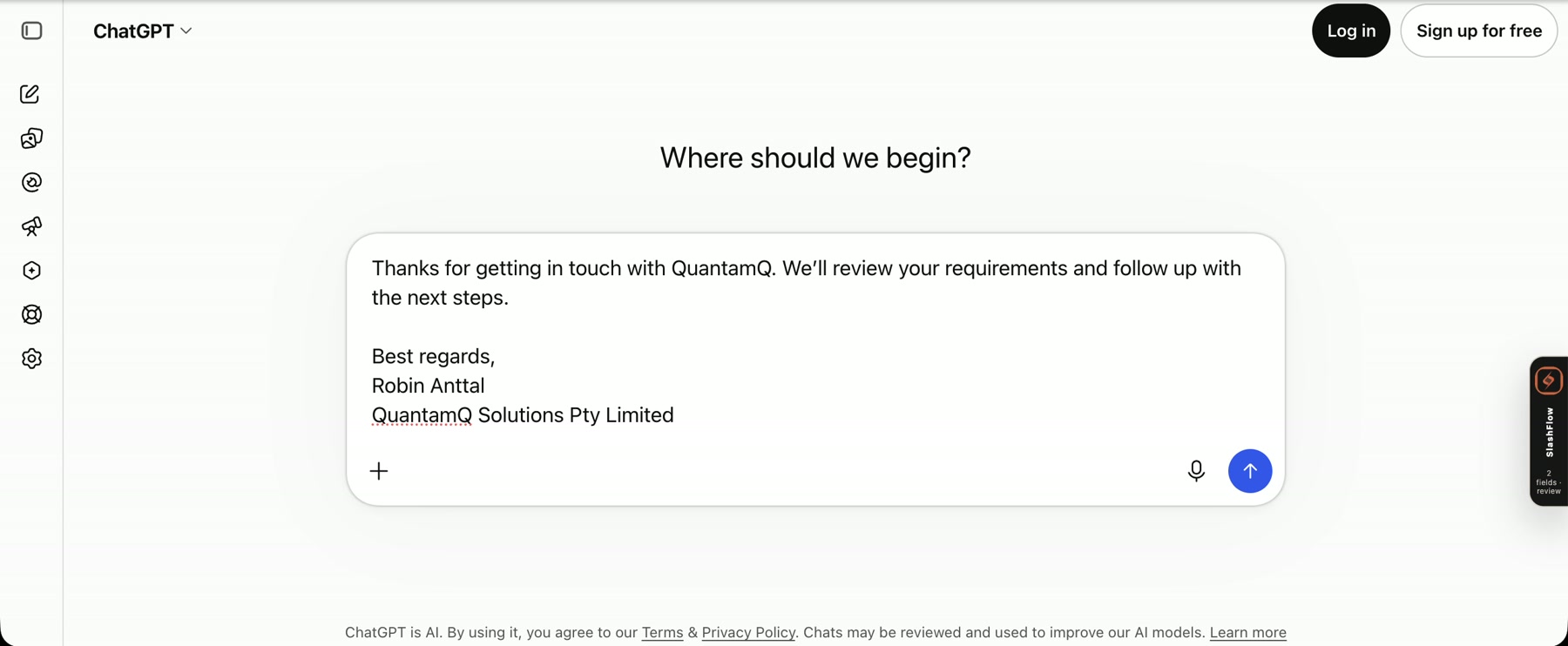
Save replies, introductions and signatures. Type a slash shortcut to insert the full message, with variables from your active profile.
Watch the demo ↗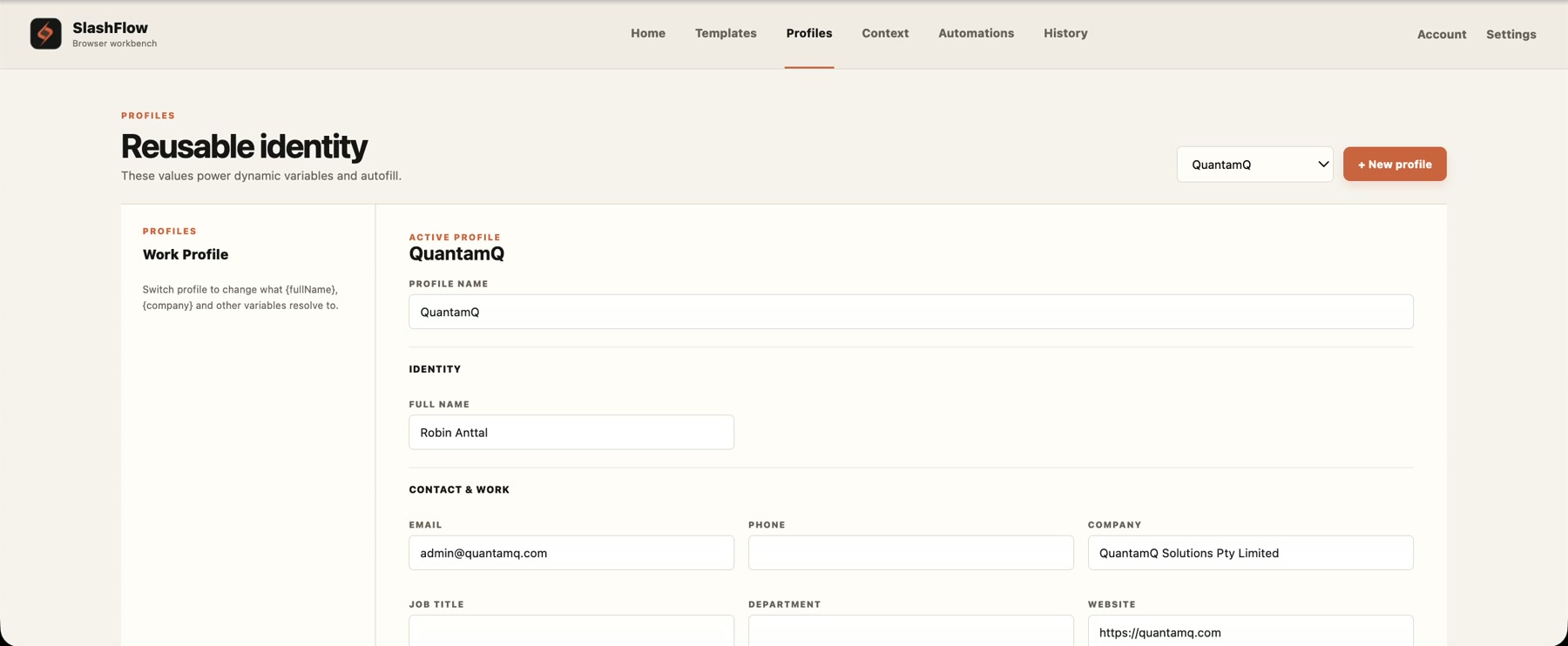
Keep your name, company and business details together. Switch profiles to change the values used by your templates.
Watch the demo ↗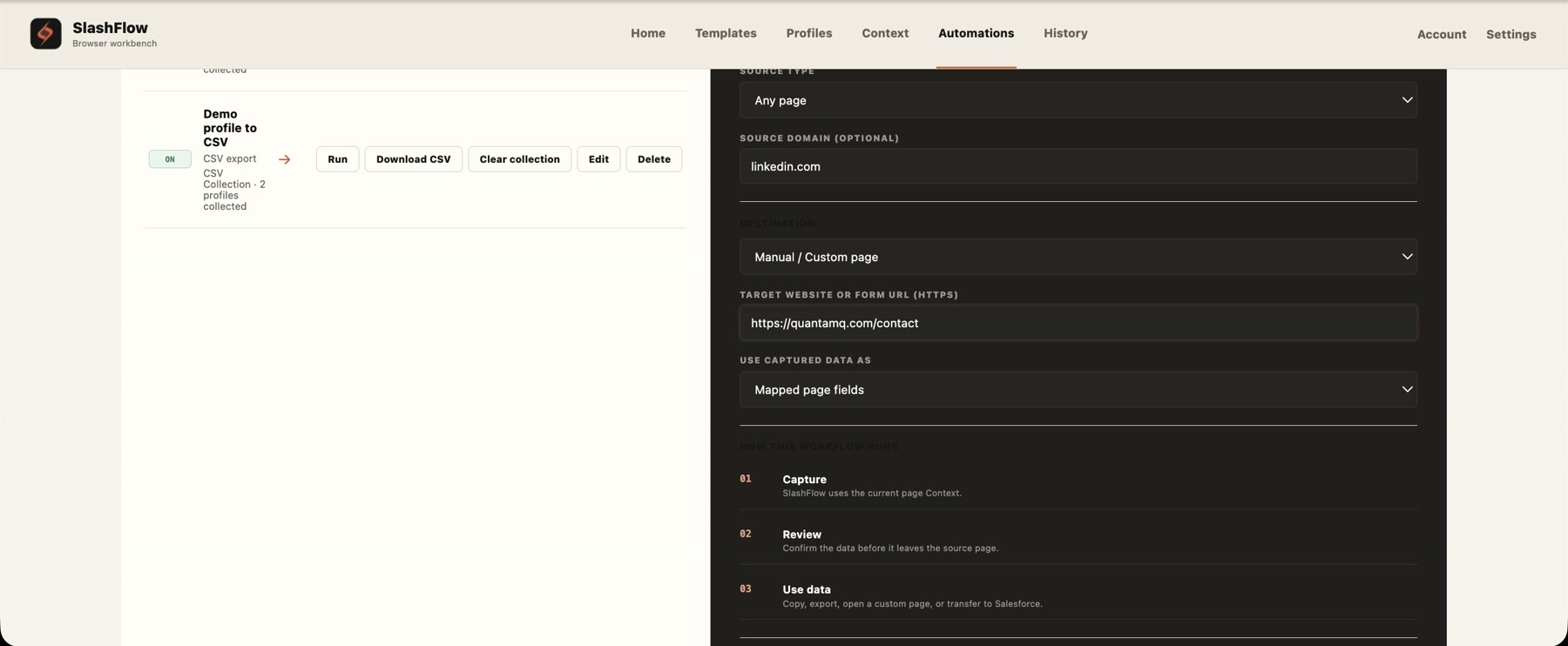
Save a source, destination and action. Run the same reviewed workflow again without rebuilding it each time.
Watch the demo ↗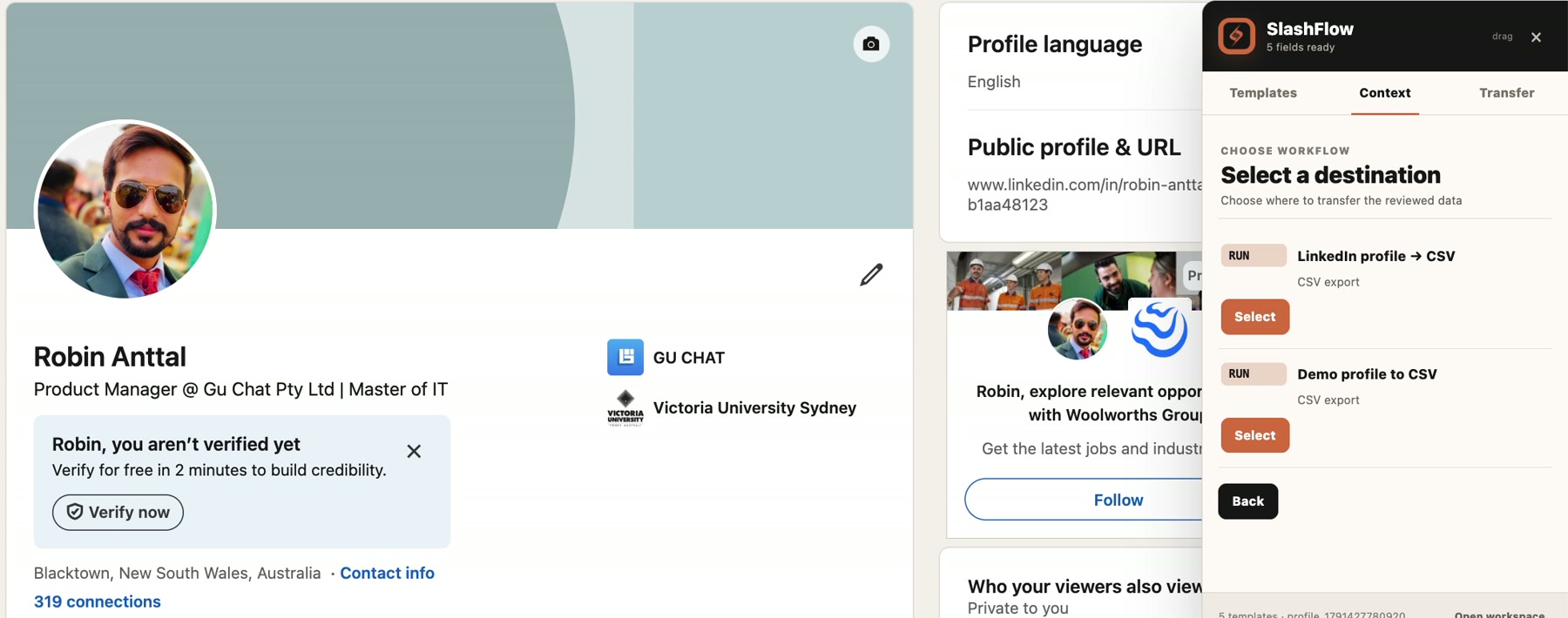
Collect reviewed profiles for CSV export, or use a clipboard workflow to copy the details you need.
Watch the demo ↗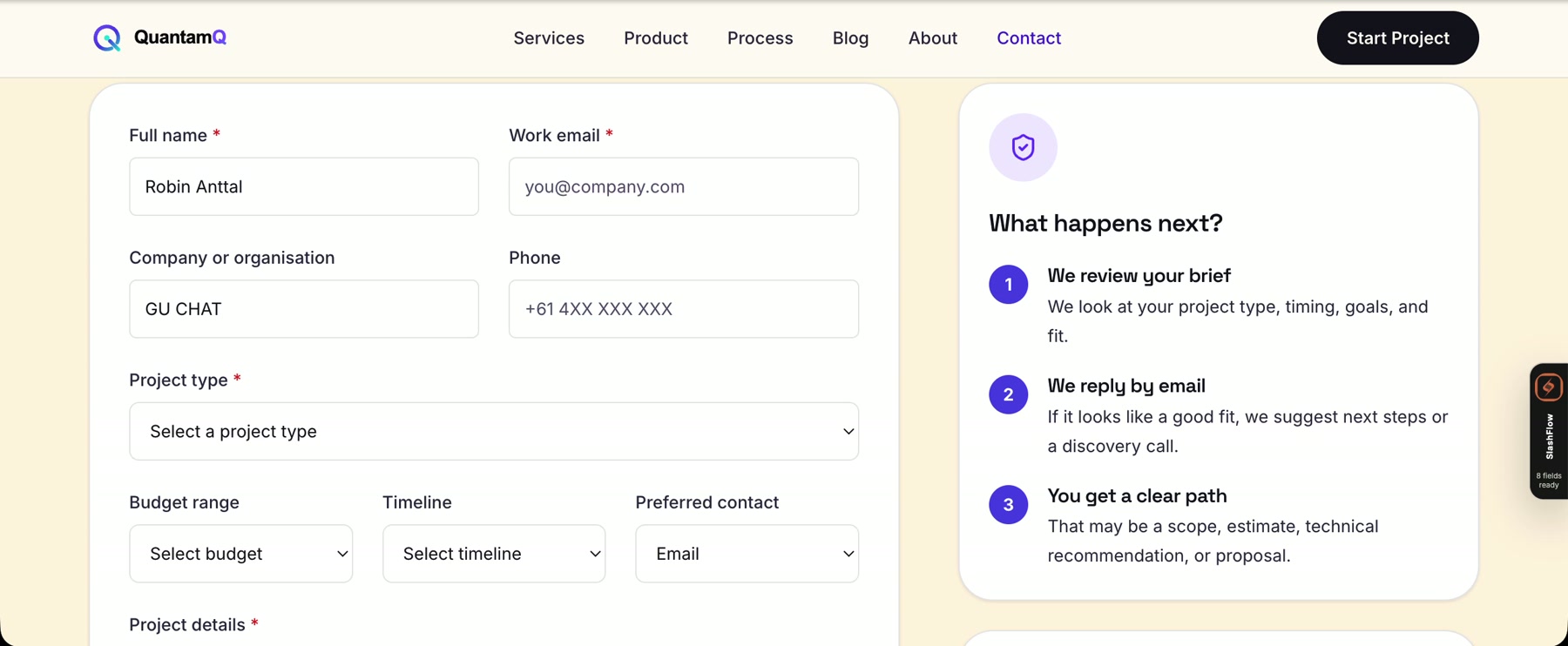
Map captured values to a browser form, review the result, and keep the final submission in your hands.
Watch the demo ↗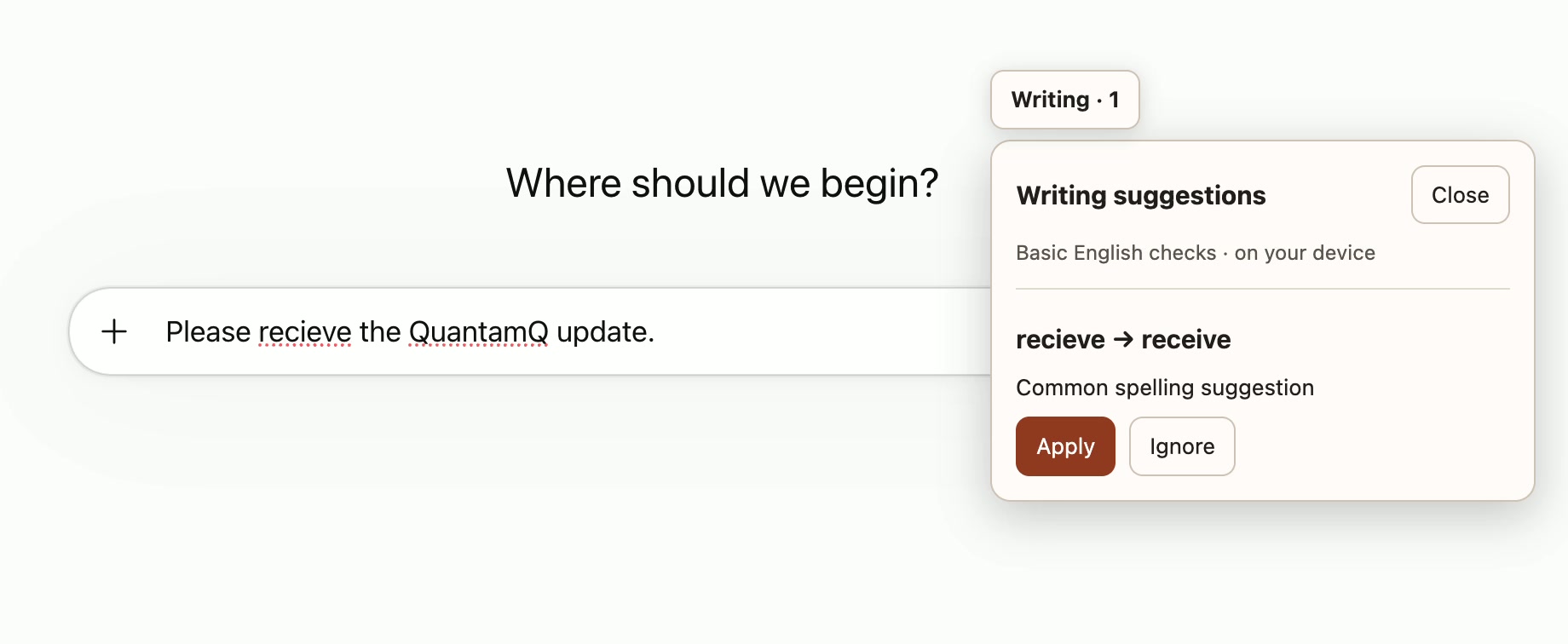
Enable Writing suggestions in Settings to catch common English spelling and basic grammar slips in supported fields. Choose Apply or Ignore, with checks that stay on your device.
Watch the demo ↗Watch the complete walkthrough, or jump straight to the feature you want to see.
Start with the work you already do.
Keep candidate details organised, prepare reusable outreach and move reviewed profiles into your next step.
Explore recruiting ↗Capture prospect context and reuse introductions, follow-ups and company details.
Explore sales ↗Keep common replies, business details and browser workflows close at hand.
Explore everyday workflows ↗14 days free for first-time eligible accounts. Card required.
Renews automatically after your trial unless you cancel. Cancel in Account before your trial ends to avoid a charge. Applicable tax is included. Existing subscribers keep their current plan.
Install on a desktop computer using Google Chrome.
SlashFlow runs in desktop Chrome. Use templates in supported text fields and editors, and capture context from supported pages such as LinkedIn profiles. A website’s editor or form can affect what is available.
No. It helps you insert text, review context and fill mapped fields. You stay in control of sending messages and submitting forms.
Your 14-day trial starts when you complete signup in Stripe Checkout. Account shows the exact end time. Your card is charged $3.49 USD when the trial ends, then monthly, unless you cancel beforehand. Applicable tax is included. Stripe emails a reminder 7 days before the trial ends.
Yes. Open SlashFlow → Workspace → Account → Manage subscription and cancel before the displayed end time. You will not be charged, and trial access remains until its original end. After a paid subscription is canceled, access continues through the paid period. Saved data stays available afterward.
First-time eligible accounts. Previous subscribers are not eligible for another trial. Existing subscribers keep their current plan and price.
Yes. Enable Writing suggestions in Settings for common English spelling and basic grammar checks in supported fields. Choose Apply or Ignore. Checks run on your device, and you keep control of every change.